

 Documentation
 Changelog
 Tutorials
 FAQ
FAQ

Fences
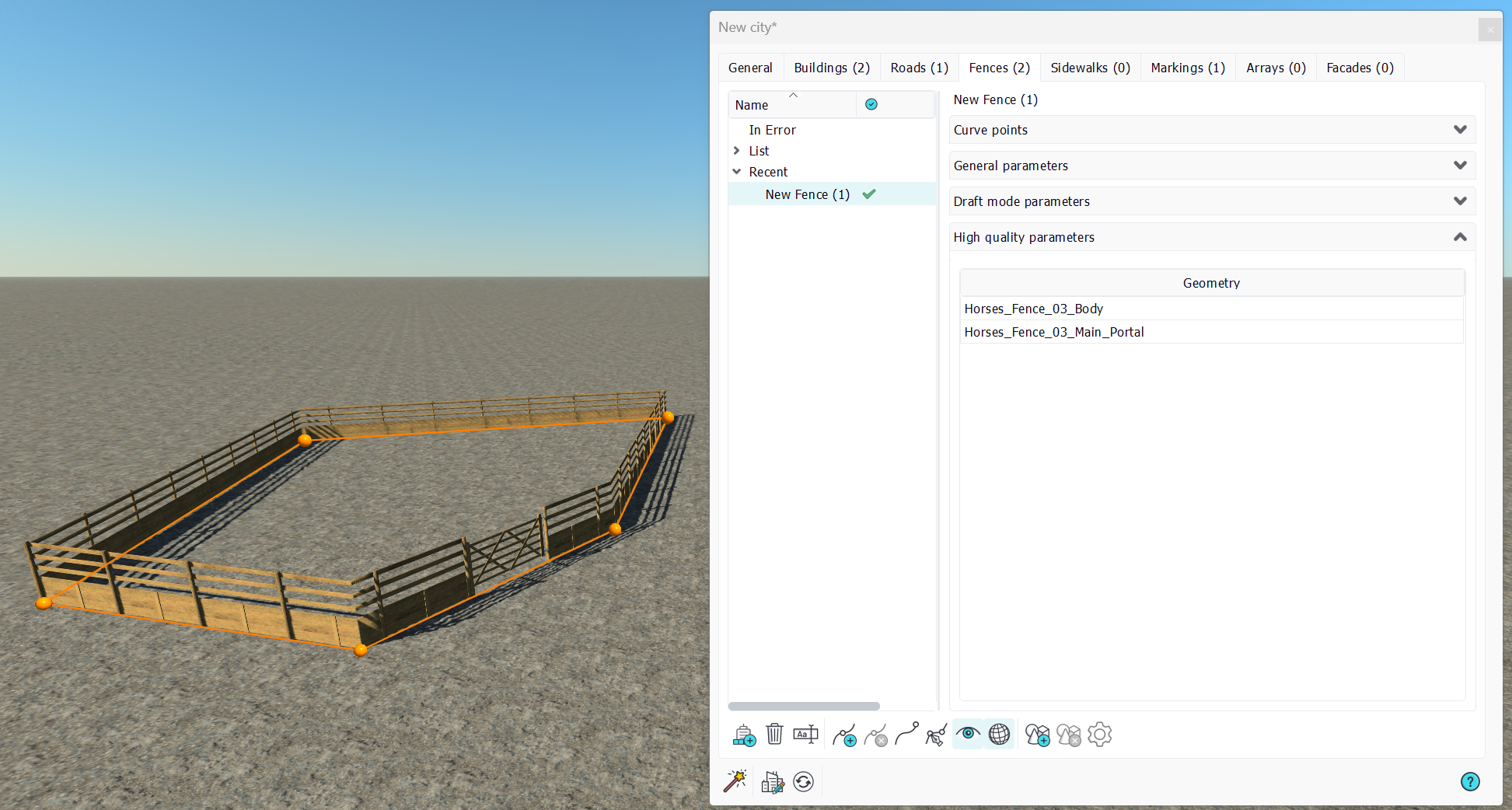
Fences are city parts meant to represent separations between gardens or fields enclosures, or whatever requires a standalone wall. Like other city parts, fences are based on curves:
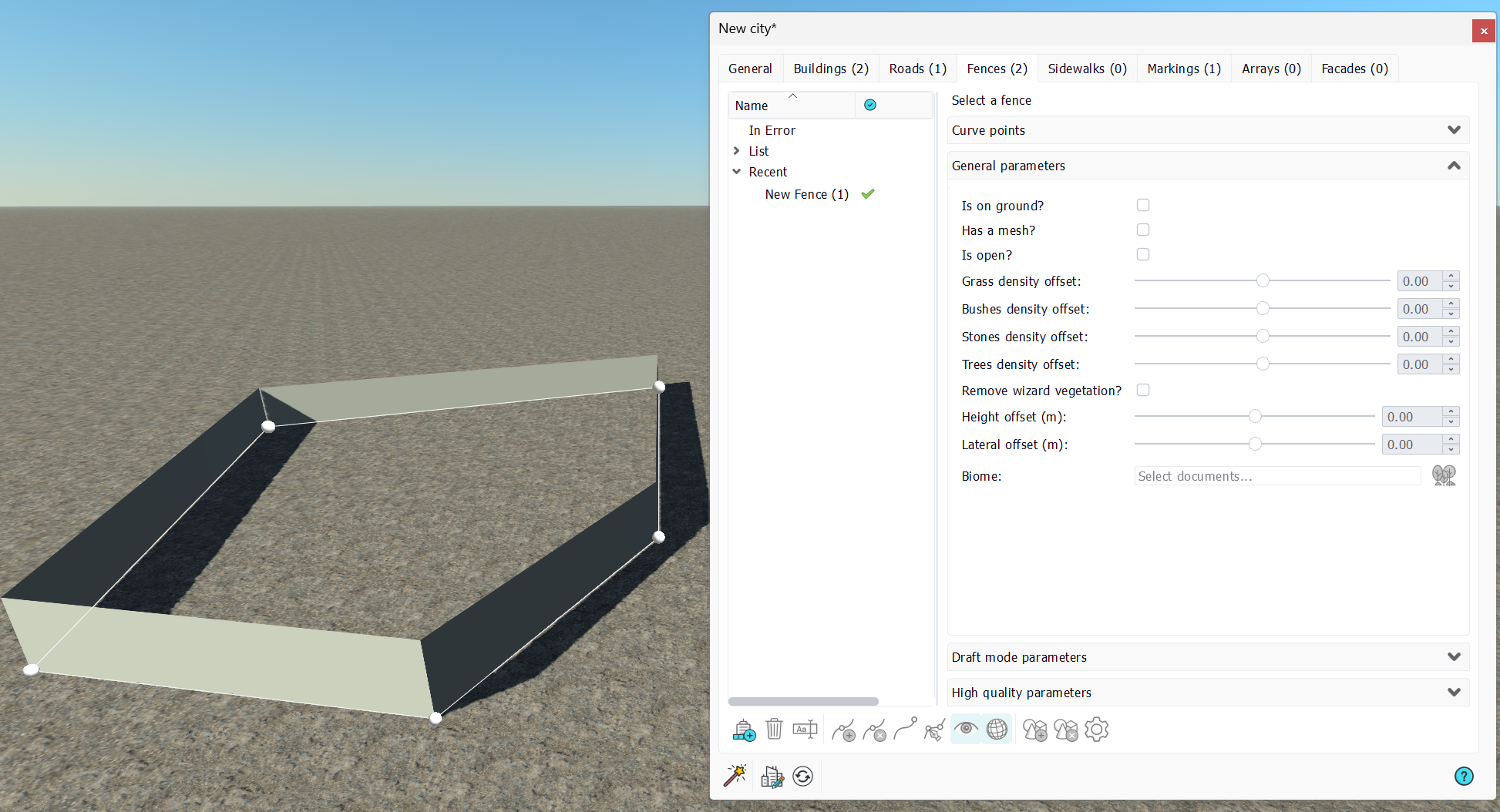
A fence is either a fence wall or a fence portal. Fence walls, as portals, have each their own separated representation. In the bottom toolbar, a fence curve may be either a polyline or a Bezier curve.
General parameters
Fences general parameters are quite self-explanatory, but here are some details:
- Is on ground?: A fence can be made to stick to the ground. in that case, all fence curve points will be moved at the ground level during a city refresh. If the option is unchecked, then fence curve points can be moved in space freely. Note that unlike roads for which the entire road path conform to the ground shape, only fence points are sticked to the ground. This means that two fence points across a ground bump will generate a fence that'll go through that bump, and that will not climb onto it.
- Has a mesh: A fence may have a mesh or not. The mesh can be disabled. So why create a fence if its not to see it? Well, a fence may modify vegetation densities under it, or remove the vegetation layer of the wizard; so it may be wishful to have objects that can be used to modify vegetation densities without being visible.
- Is open: A fence can be an open or closed contour. If the fence is open, it has no interior and therefore, it can't modify vegetation densities.
- Grass/Bushes/Stones/Trees density offset: Modifiers applicable by closed fences onto the vegetal density beneath.
- Remove wizard vegetation: If the Wizard has been launched for the city with proper satellite imagery, then the city has a vegetation layer on its own. This vegetation layer covers what's under the city (for instance vegetation provided by the landscape and decals). Checking this option will remove the city vegetation layer in the area covered by the fence, that must be closed for this option to have an effect.
- Height/Lateral offsets: These offsets are useful to shift the fence geometry, up and down, left or right from the fence curve.
- Biome: A fence may have its own biome. It must be closed obviously to have an interior area in which the biome will show up.
Draft mode parameters
As for all city parts, fences may have Facades that describe how they're to be drawn while the city is in draft mode:
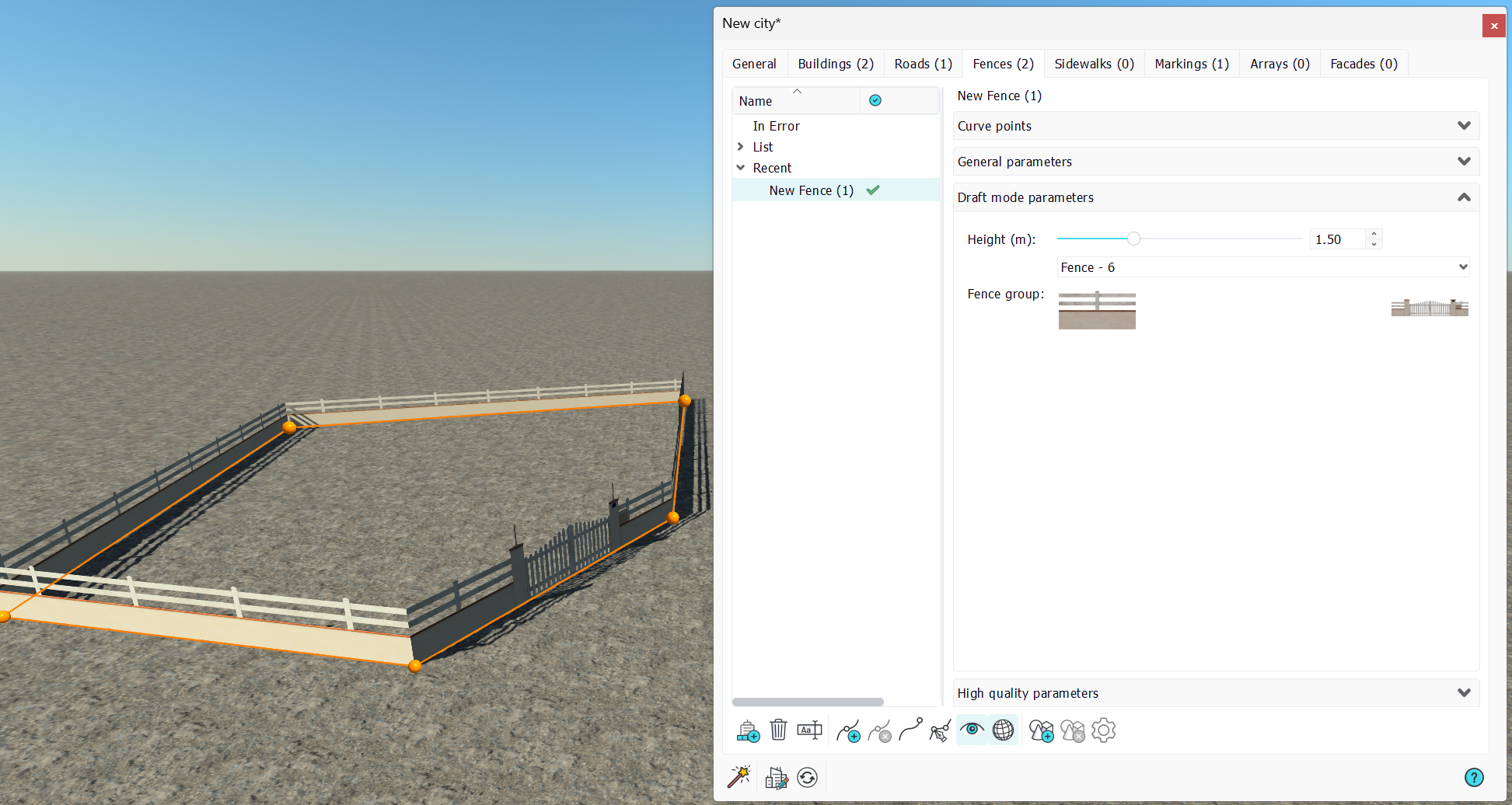
A facade that has been setup for fences can be selected in the draft mode of the fence. The height of the fence may need to be adjusted if the texture of the facade does not have the right dimensions.
High quality parameters
Geometries can be dropped onto fences. As for other city parts, select "no" to drop a geometry for the fence and not a geometry in the scene:
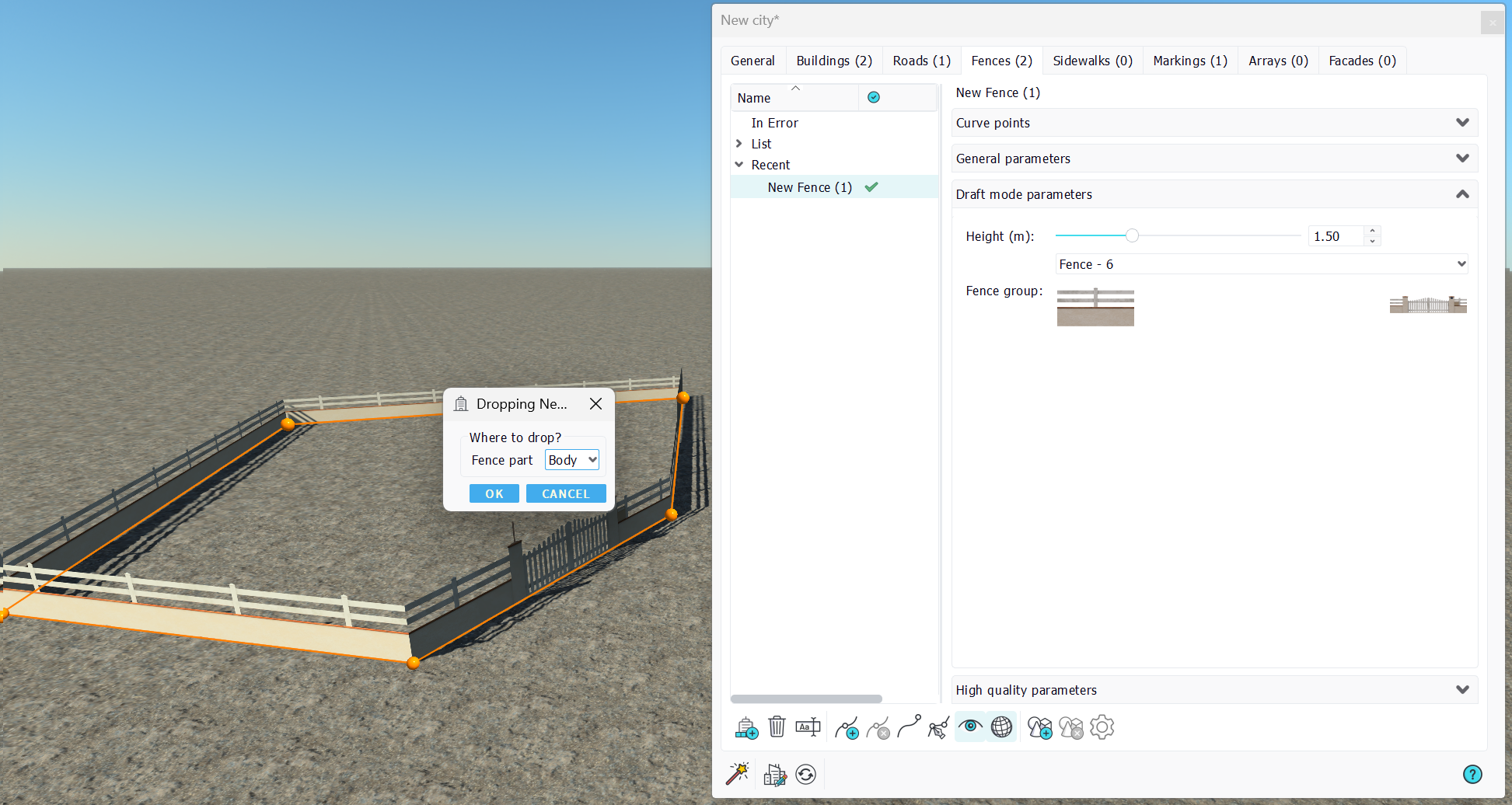
The drop panel is straightforward. You can pickup the type of the fence part being dropped: a starting element, the body element which gets repeated, the ending element or a portal that will appear if the "portal" option is checked onto curve points:
 Roads Roads | Sidewalks |
