

 Documentation
 Changelog
 Tutorials
 FAQ
FAQ

Sidewalks
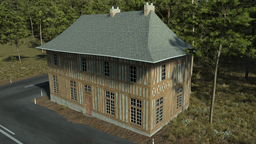
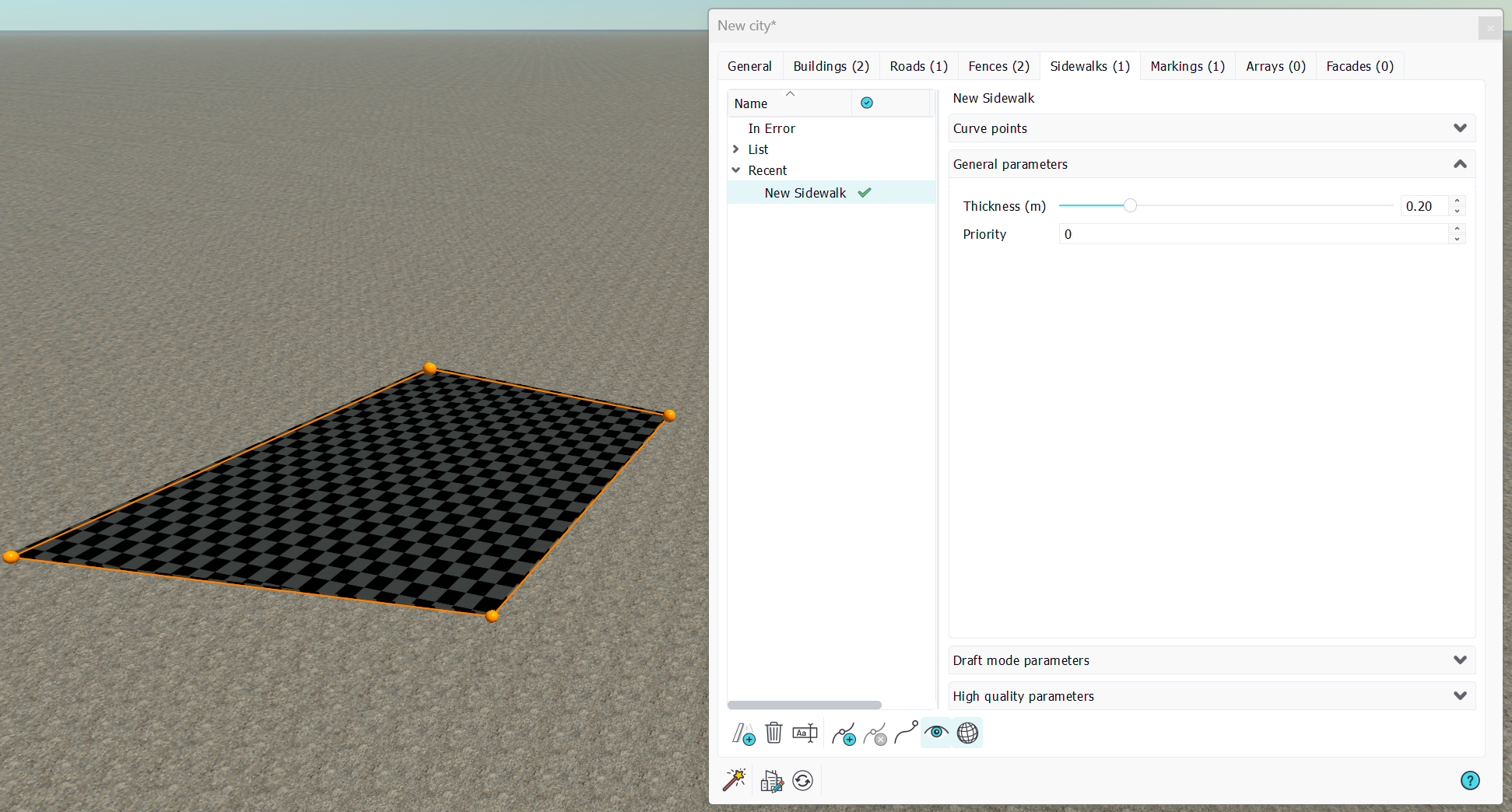
Sidewalks are city parts meant to represent areas covered by pavement. Like all other city parts, sidewalks are based on curves.
Automatic cutting
A key point with sidewalks is that their shape is automatically cut by all other city parts. A sidewalk is cut by roads, buildings and closed fences. This is illustrated below:
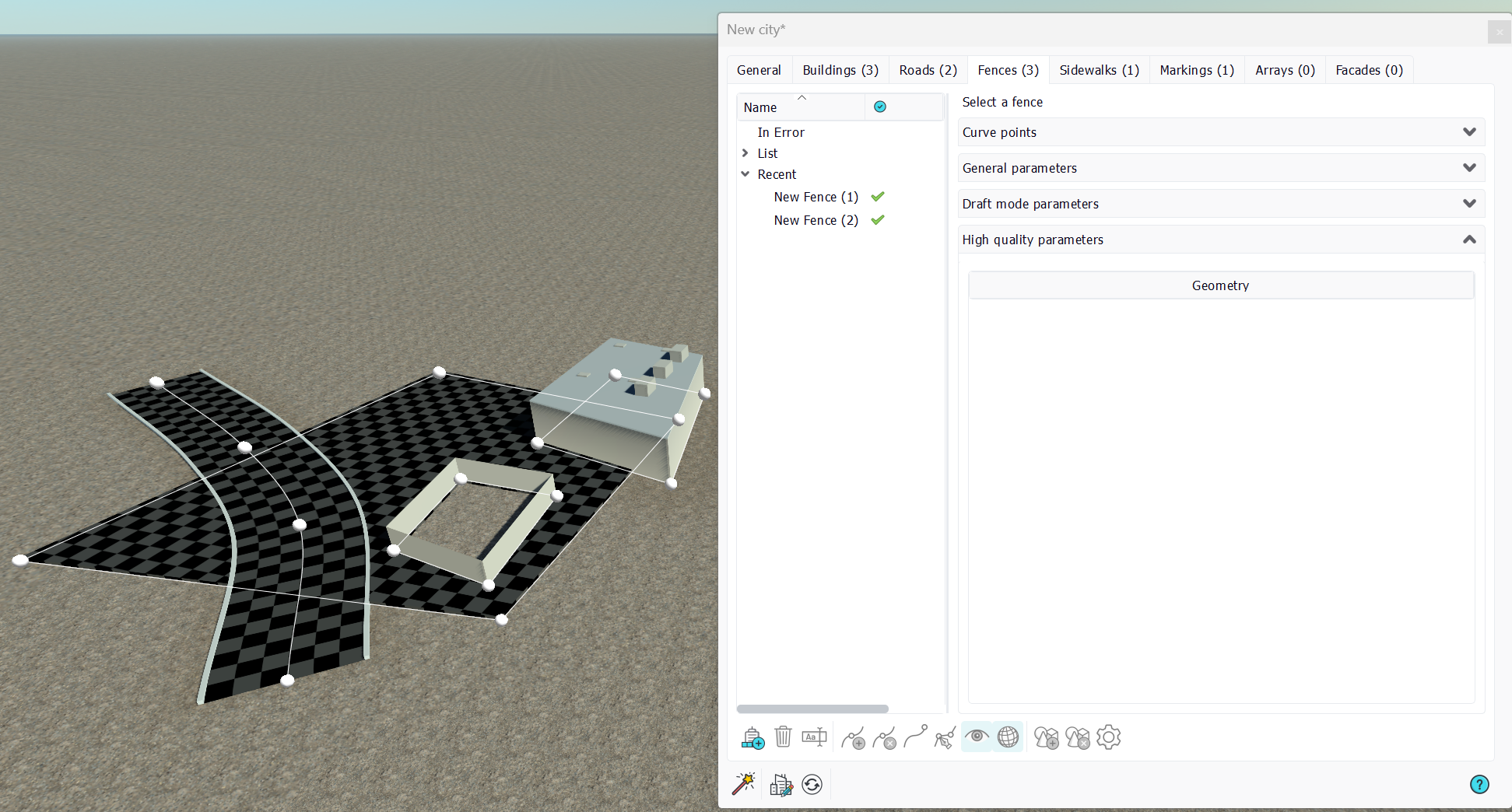
Then, the sidewalk can be defined as a raw simple polygon, having a focus on which areas need to be covered by it. Then, city parts that interact with it will cut it automatically.
General parameters
A sidewalk does not have that much parameters:
- Thickness: This is the thickness of the sidewalk mesh generated above the ground. The sidewalk is lying over the ground. It's tessellated at a 1 meter resolution (the size of the draft squares) so it can follow the ground at that resolution. It does not flatten the ground by itself. To do so use Decals under it.
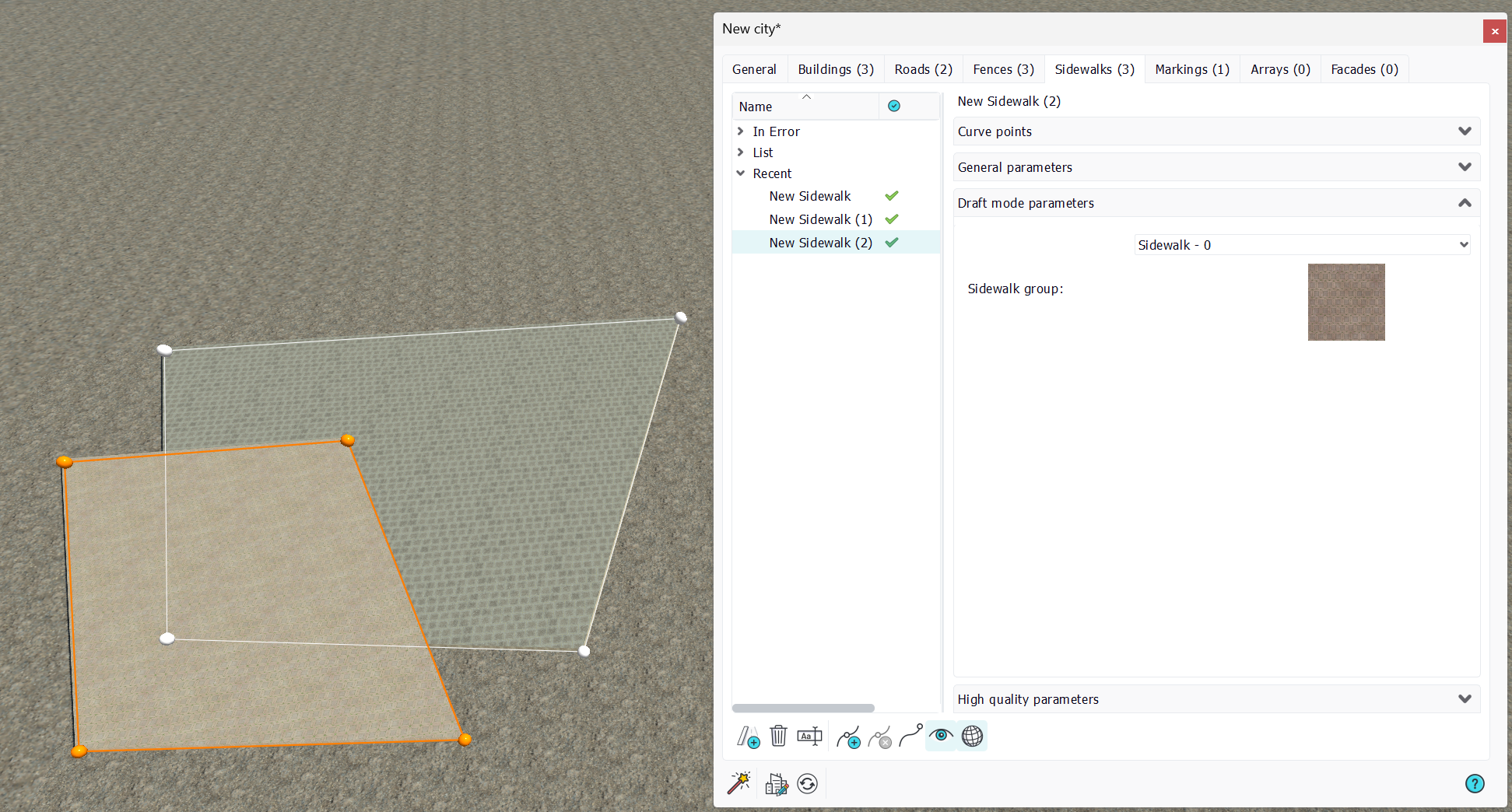
- Priority: This parameter rules which sidewalk will "win" when two sidewalks interfere. A sidewalk with a lower priority will be cut by another sidewalk with a higher priority. This is illustrated below:
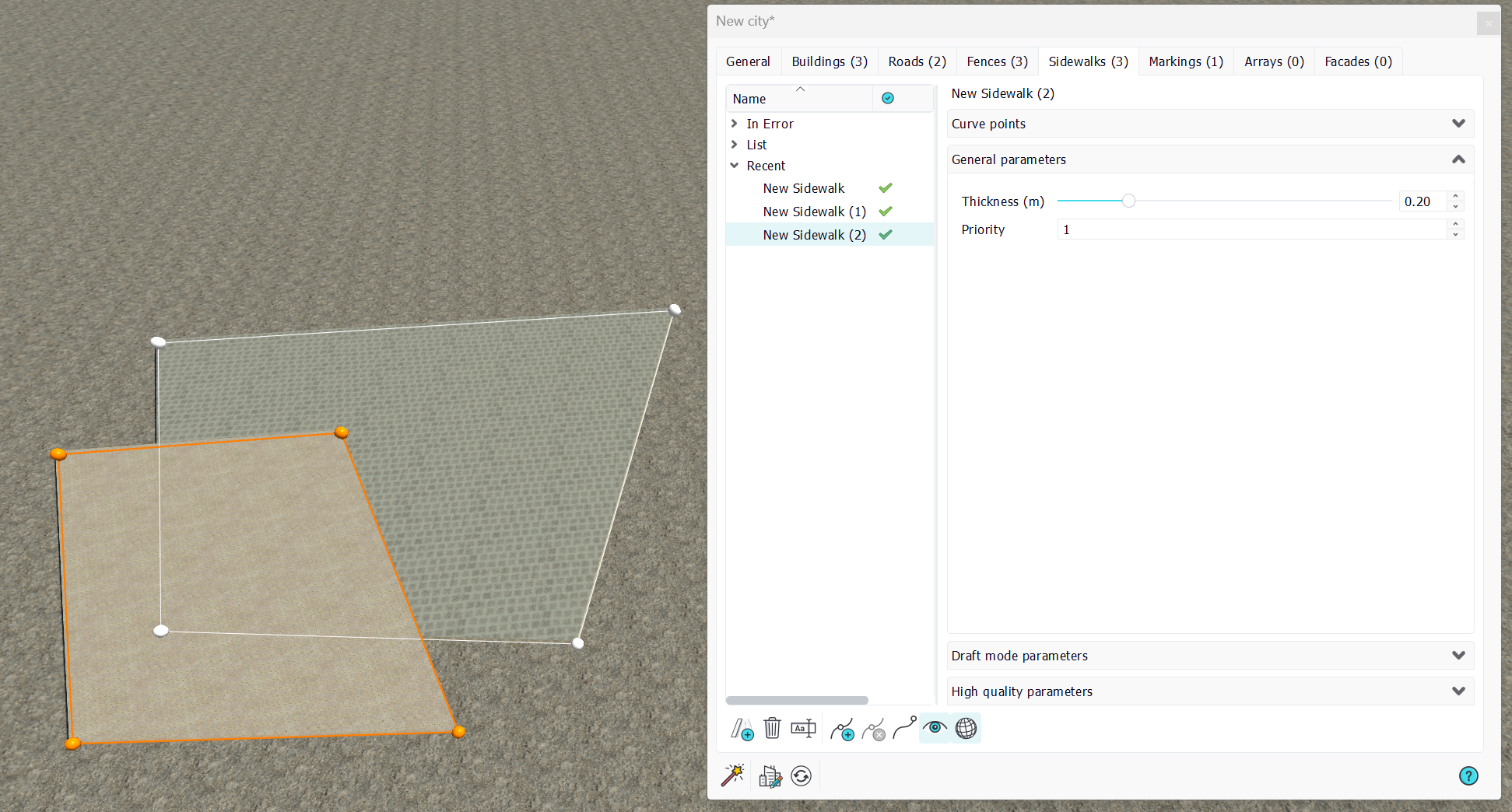
"New Sidewalk (2)" has a priority 1, which is greater than "New Sidewalk (1)" that has the default priority 0. Consequently, "New Sidewalk (2)" cuts "New Sidewalk (1)". Note that by default the two sidewalks have the same priority and none wins. This can lead to unpleasant z-fighting artifacts.
Draft mode parameters
Draft mode parameters are quite simple for sidewalks. A Facades can be selected for a sidewalk to have it rendered painted with the facade. Note that the alignment of the facade texture is based on the first edge of the sidewalk (hence the point 0 to point 1 segment).
High quality parameters
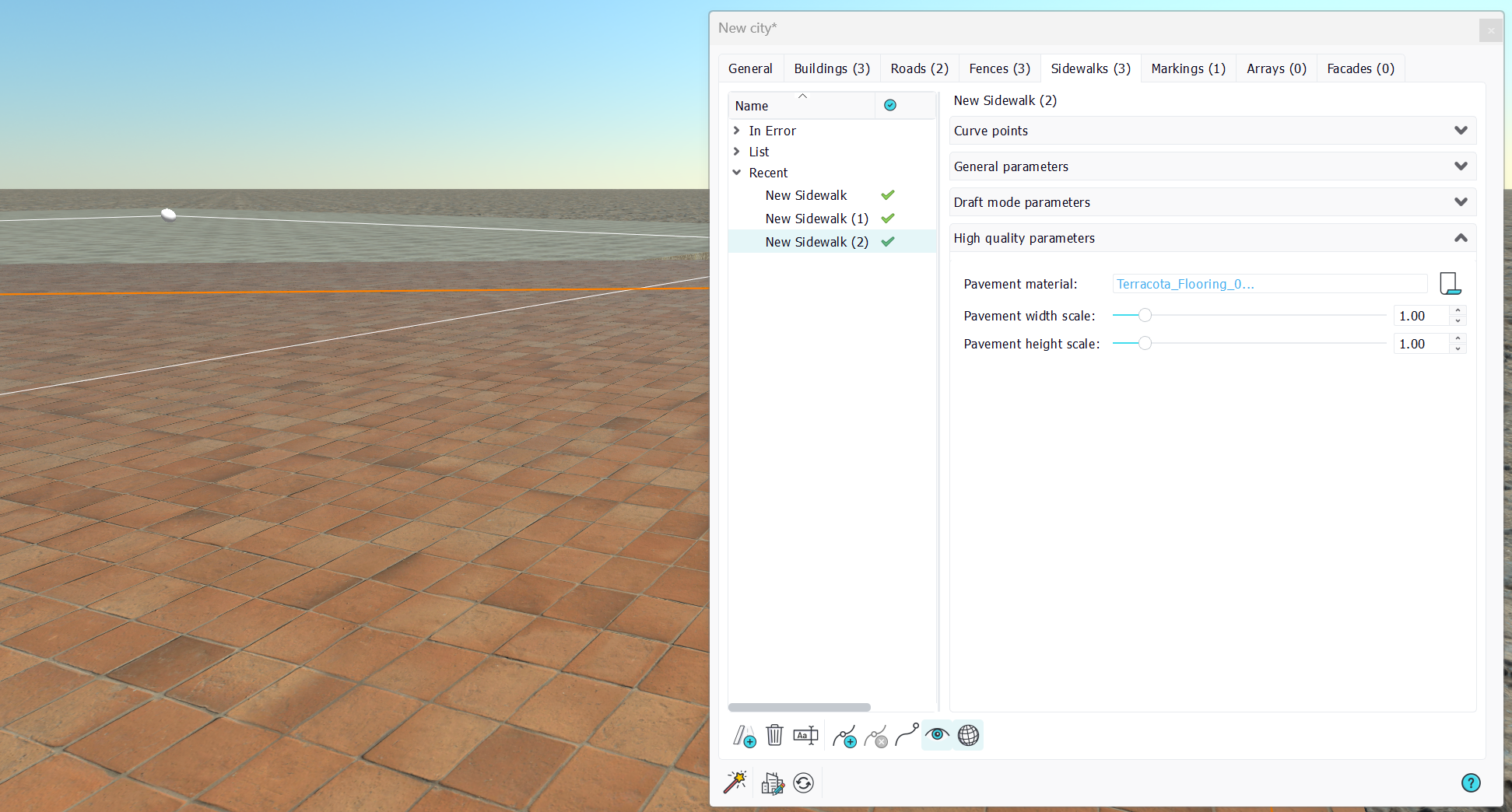
The sidewalk don't accept geometry drops. It accepts Materials drops instead. Since it's just a plain shape, it's not sculpted by a geometry, it's rather painted with a complete high quality material instead, whose size can be defined in the high quality parameters section of the sidewalk parameters:
 Fences Fences | Arrays |
