

 Documentation
 Changelog
 Tutorials
 FAQ
FAQ
Base workflow
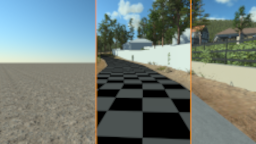


Automatic generation of the scene
Setup the Blueprint and configure it to automatically generate the 3D scene. Use the City Wizard to automatically adjust the scene.

Animation
Create scene curves and use the Timeline to animate any object in the scene (cameras, geometries, sun).

Introduction & examples |
