

 Documentation
 Changelog
 Tutorials
 FAQ
FAQ

Arrays
Arrays are city parts useful to replicate an object in a city. For example, a beacon, a roadstick, some streetlights. Like all other city parts, arrays are based on curves. Instances of the selected geometry (or facades in draft mode) will then be scattered along the array curve.
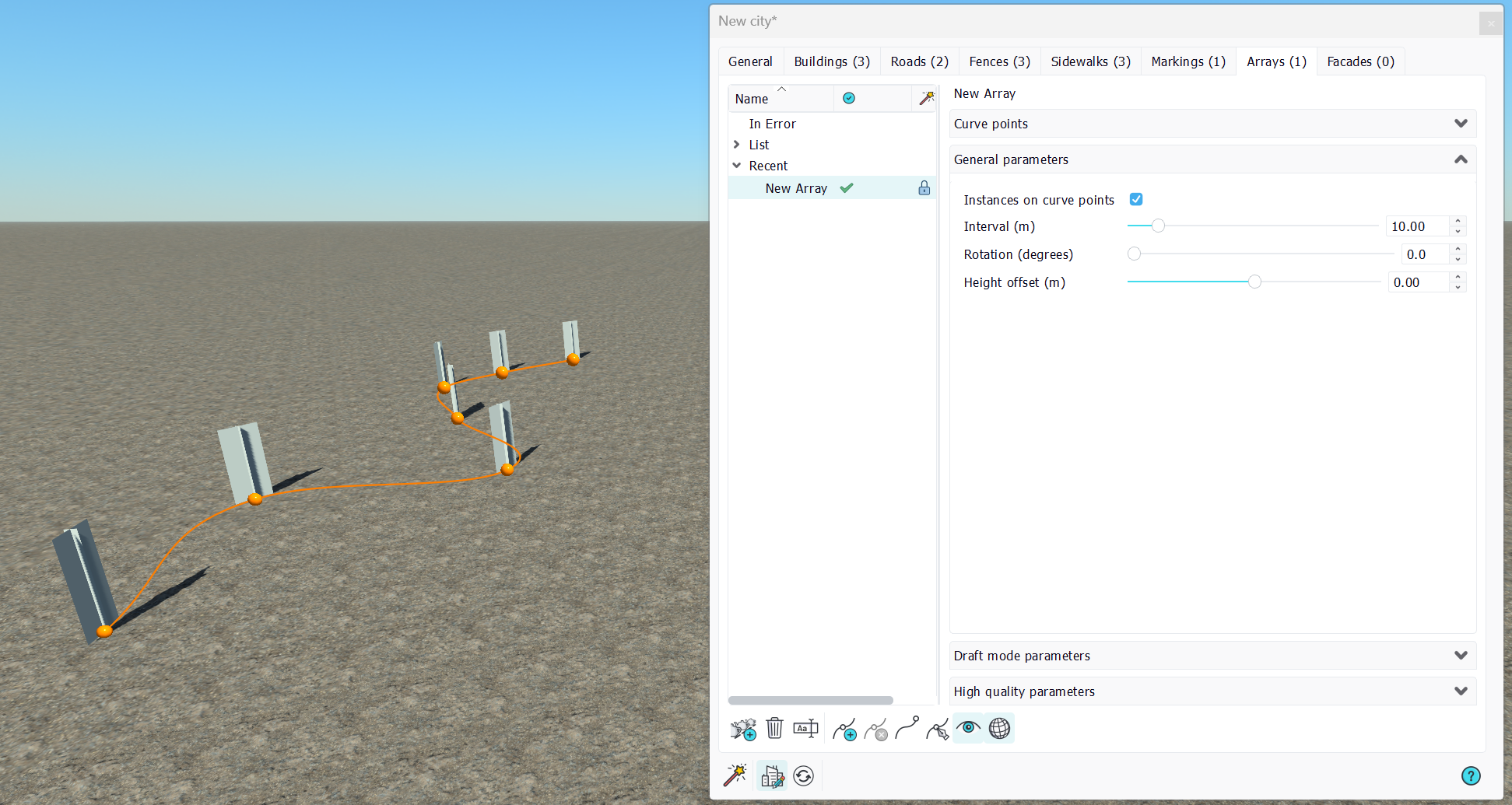
The array curve can be set to be a Bezier curve or to a polyline. This is defined in the array points toolbar.
General parameters
There are two ways of distributing instances of an object along an array:
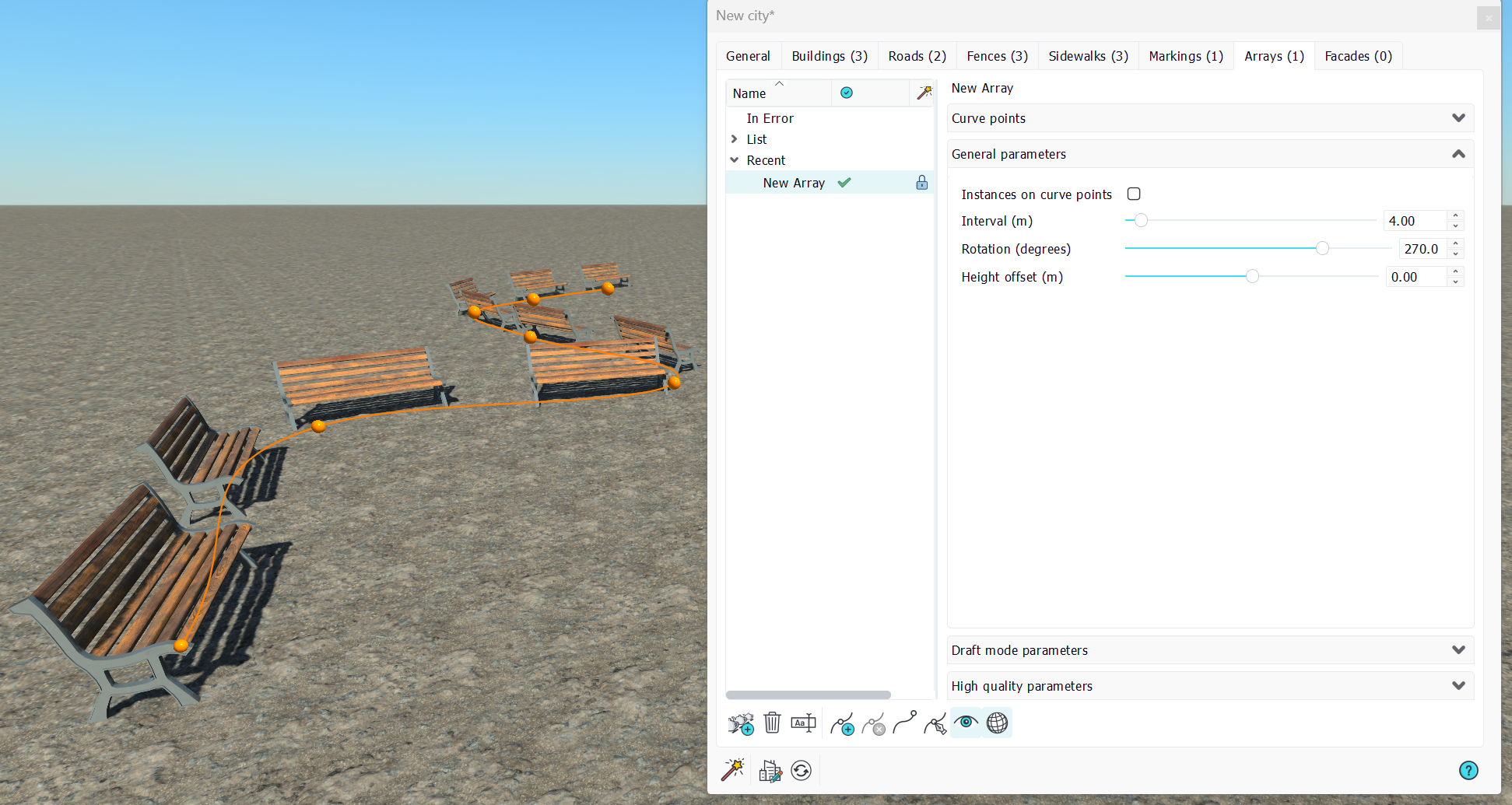
- Instances on curve points: One instance of the object will be generated at each curve point when checked, or, one instance of the object will be generated every "Interval" meters along the curve of the array.
- Interval: Define the spacing between two objects instances when instances are not on curve points.
- Rotation: Vertical axis rotation of all objects instances. Zero degrees is along the curve tangent.
- Height offset: Shifts the object up and down.
Draft mode parameters
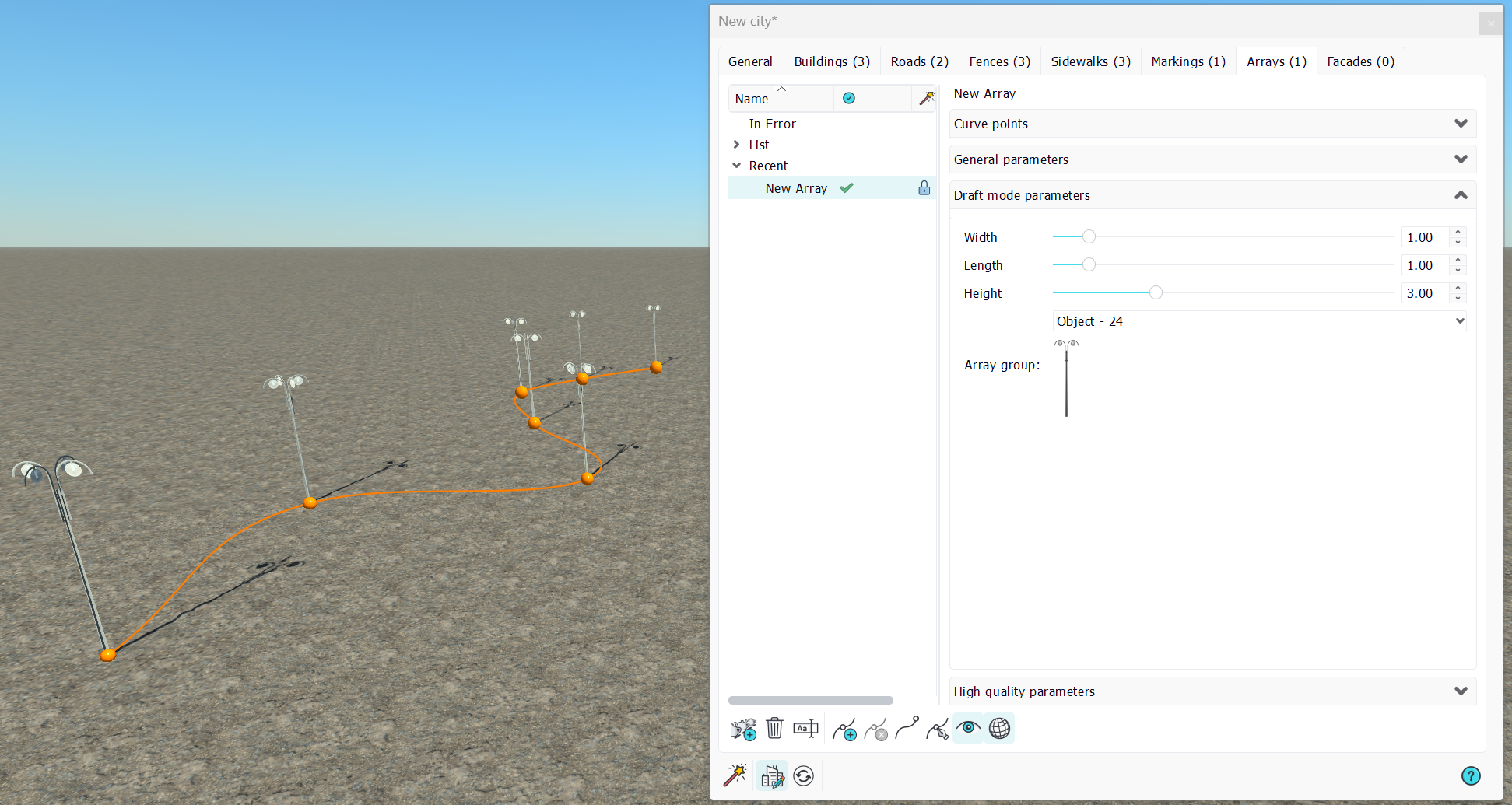
Draft mode parameters are:
- Width, length, height: Dimensions of the polygonal cross shape used to render the array in draft mode.
- Array group: The facade group parameters.
High quality parameters
Select or drop a geometry onto the array, then use the general parameters to eventually rotate or to shift it.
 Sidewalks Sidewalks | Markings |
